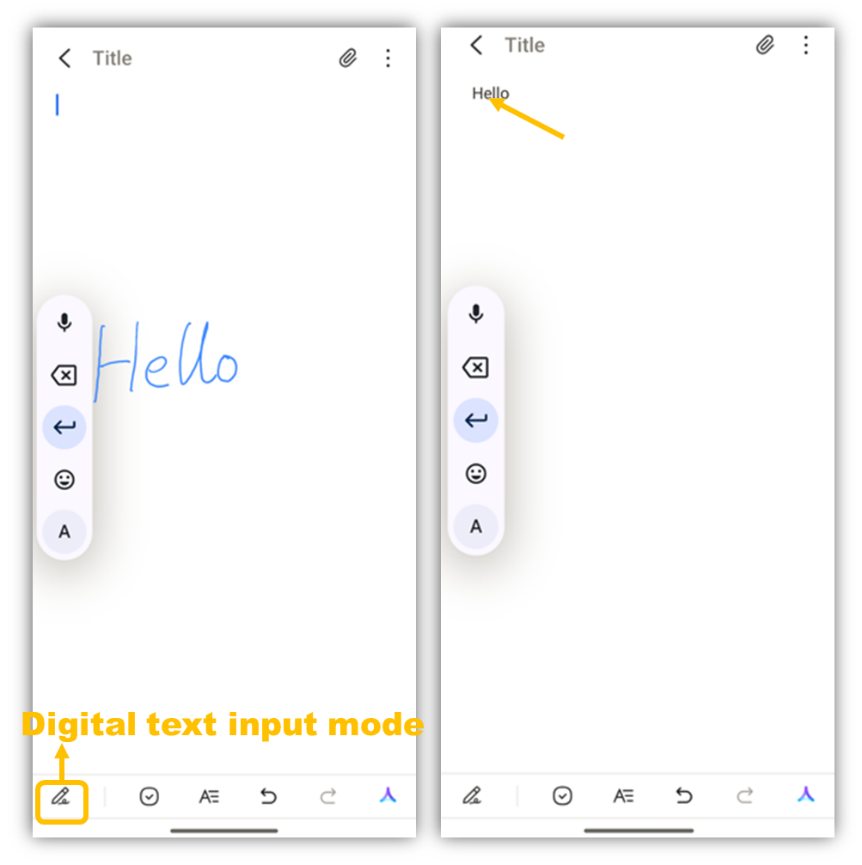
a) Open the Notes app, tap the "+" icon in the lower-right corner to create a new note. By default, it is in digital text input mode (the stylus stroke appears blue during writing). After you finish writing and lift the stylus, the input will be displayed as standardized digital text.
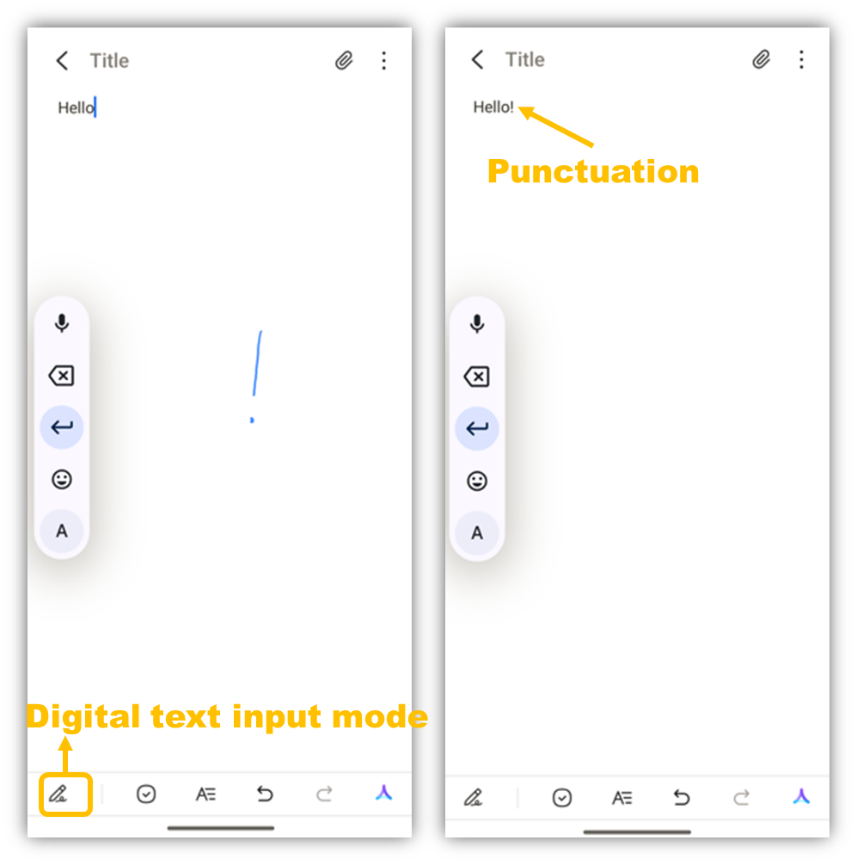
In digital text input mode, the phone can automatically recognize handwritten punctuation marks.
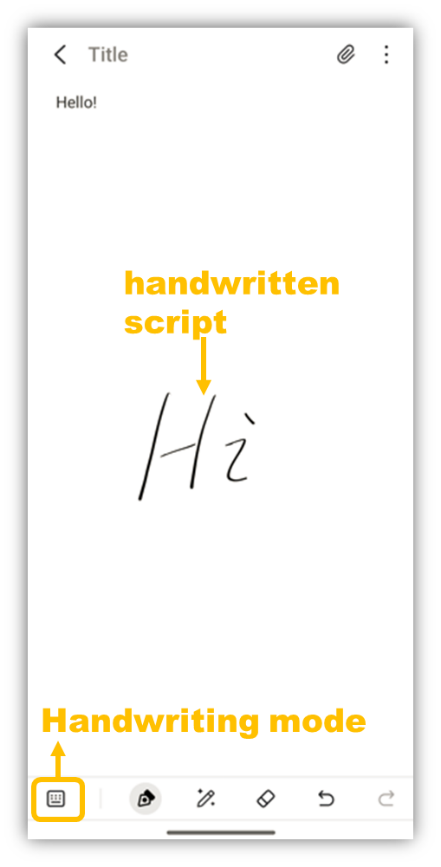
b) To switch to handwriting mode, tap the stylus toggle button in the lower-left corner. In this mode, the stylus stroke appears black, and handwritten script is displayed as shown below.